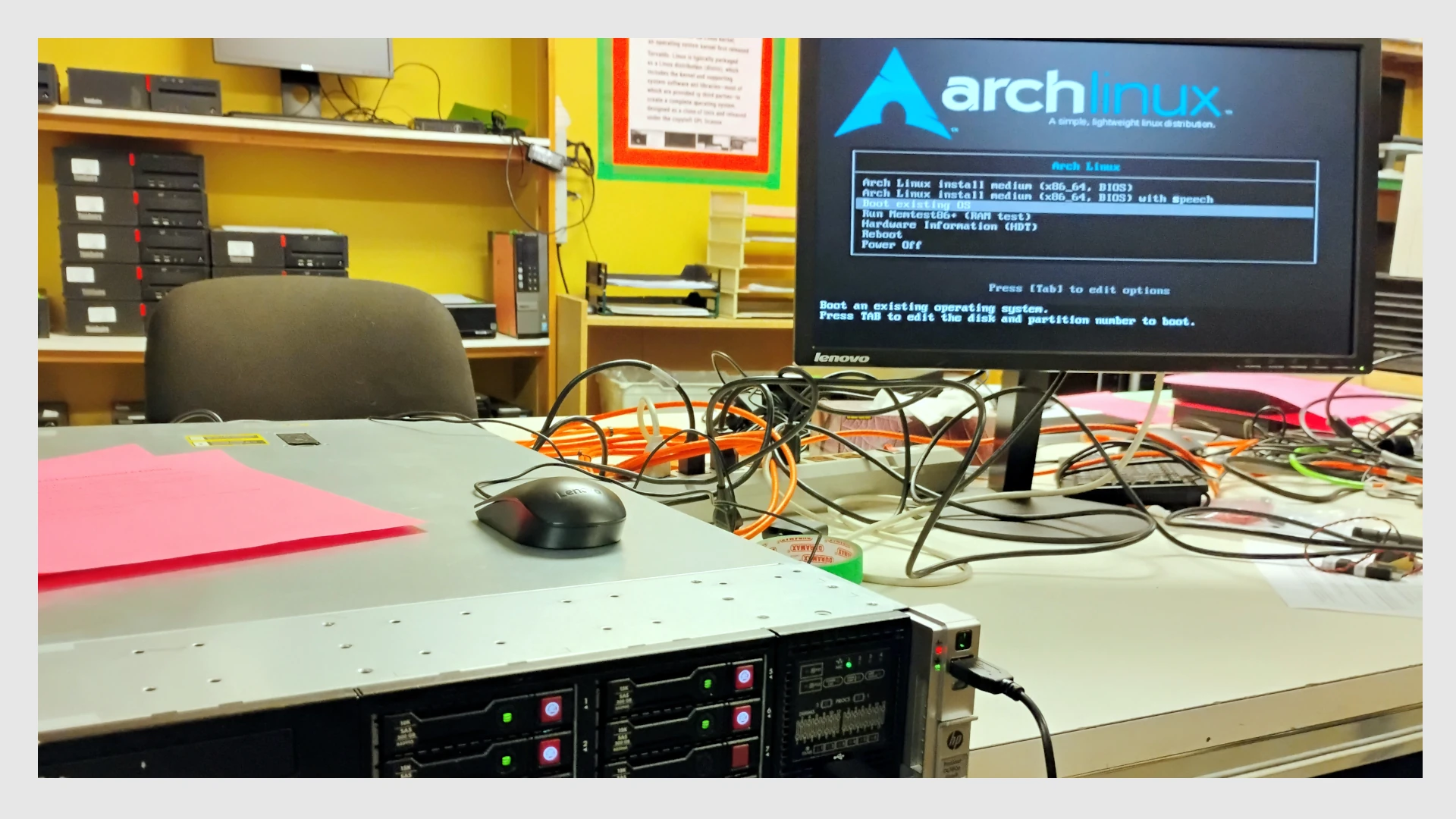
Background
Several months ago one of the Computer Recycling Project at The Working Centre’s donors donated some 2U HP server hardware. One of those machines was a nice HP ProLiant DL380p Gen8 server. The server came complete with 128GB of RAM, and it had 6 x 146GB SAS (Serial Attached SCSI) drives.
While it’s always nice to get any storage and RAM with donations, I needed a bit more storage for what I had in mind. Luckily we had an HP storage array at the back with a bunch of 300GB SAS drives I could just pull out of the array, and plug into the ProLiant DL380p Gen 8, or so I thought…
The problem
When I plugged the 8 drives (there were 2 blanks + 6 drives in the ProLiant DL380p Gen8 machine) I removed from the HP storage array into the ProLiant DL380p Gen8 server, the Array Configuration Utility threw up an error message complaining about the fact that the drives had been configured as a logical array using a newer version of HP’s Array Configuration software.
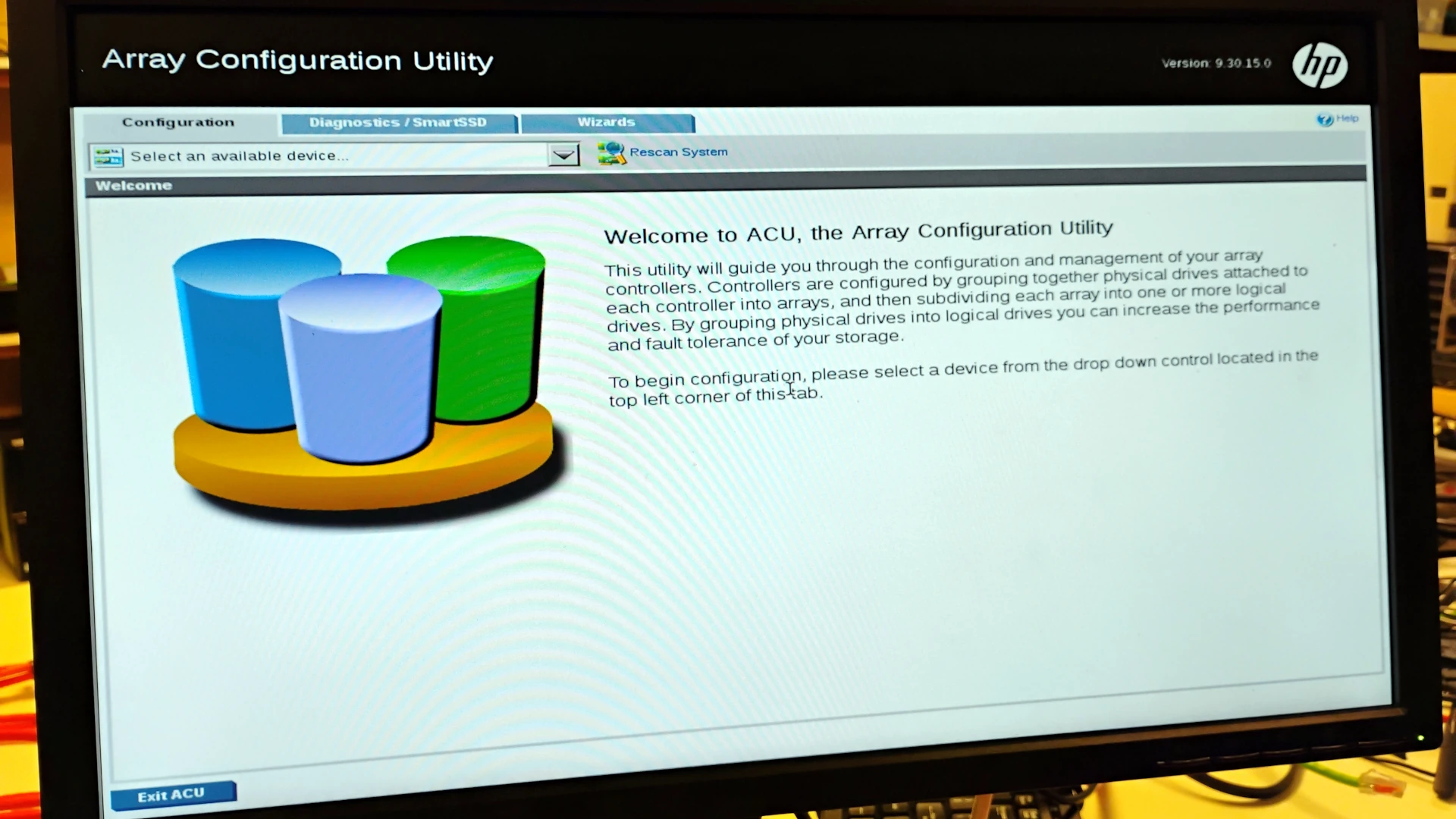 Fig 1. Array Configuration Utility
Potential solutions
I might have been able to flash newer software to the HP ProLiant server, but at this point all I really wanted to do was wipe out the logical partitions so I could set up a couple of RAIDed configurations (RAID 1 + RAID10), and install Ubuntu server on the drives. I didn’t really want to touch the firmware of the server without being completely sure I wasn’t going to brick the machine, or cause more issues.
The second solution I found was to use a Linux tool called ssacli to wipe out the logical drive configurations.
More headaches
The problem with ssacli is none of the big Linux distributions bake it in (which makes a lot of sense since ssacli is proprietary software, owned by Hewlett Packard Enterprise).
At first, I thought I might try to remaster Ubuntu Desktop with the tool. I downloaded CUBIC, Ubuntu Desktop 24.04 since it’s a bit lighter on RAM than 26.04, and started remastering the ISO. But I wasn’t able to successfully get ssacli to install in the environment.
I also read that ssacli was easy to install via Arch Linux’s AUR, so this was my next step.
Arch to the rescue, but we need more RAM
Installing ssacli from a Live Arch environment seemed like a simple task:
git clone https://aur.archlinux.org/ssacli-bin.git
cd ssacli-bin
makepkg -si
It turned out to be a bit more complicated because Arch Linux limits the amount of memory it has in the “Live environment.”
The solution
The solution was to expand the amount of RAM in the Arch Live environment by remounting it and specifying how much RAM to use. Because I had a lot of RAM I chose to reload it with 24GB of RAM:
mount -o remount,size=24G /run/archiso/cowspace
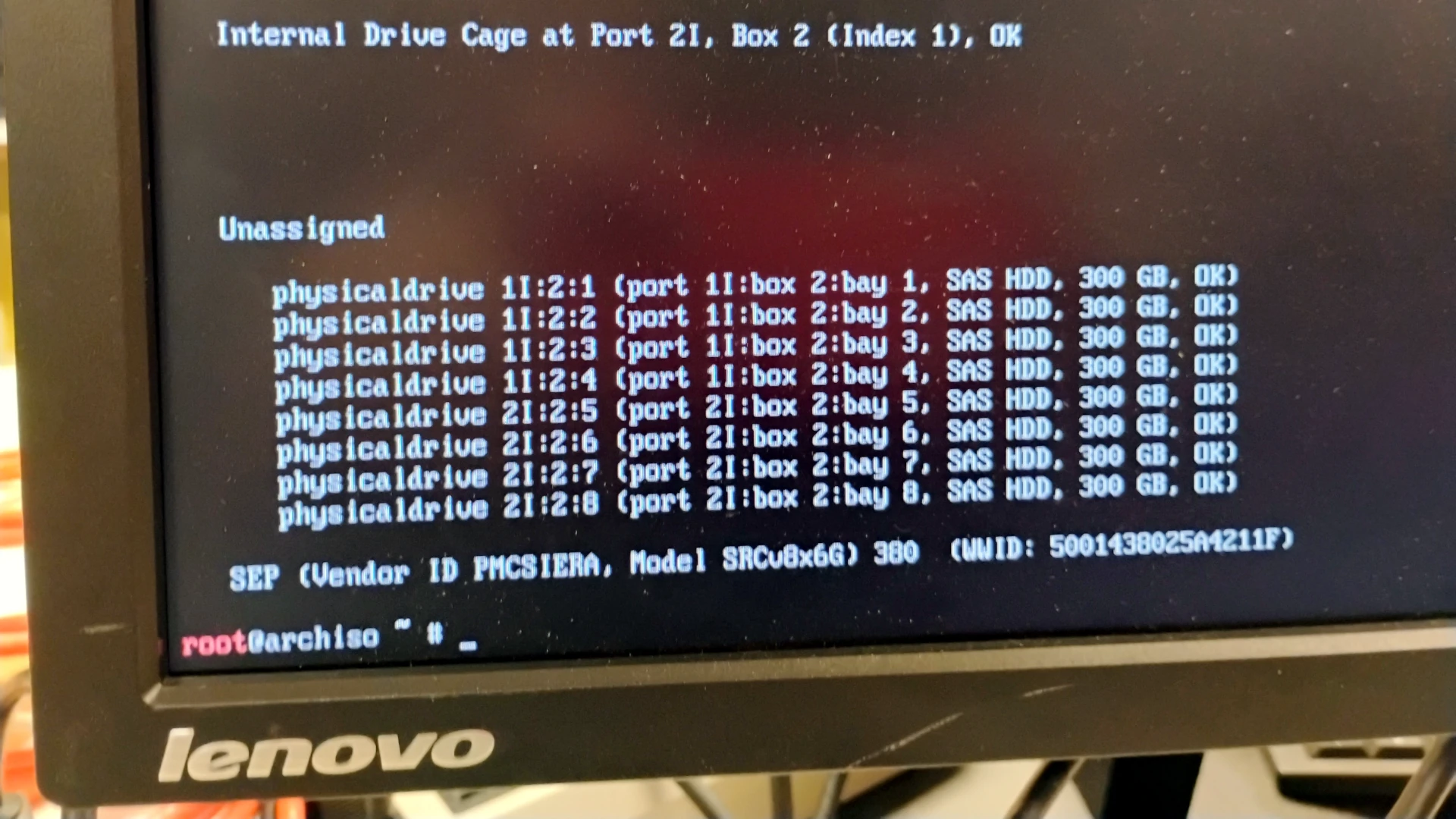 Fig 2. Success, drives unassigned using ssacli
It’s a bit more complicated
The solution was actually a bit more complicated since the instructions I was following had me switching between a normal user and root in order to run makepkg -si in a newer version of Arch. See this reddit post: https://www.reddit.com/r/archlinux/comments/3m3xbb/how_can_i_install_a_package_from_the_arch_live/