The problem is boring!
When The Computer Recycling Project switched from Xubuntu Linux to Linux Mint Cinnamon edition the screensavers that are a part of the XFCE environment were no longer available without forcing them on top of Cinnamon.
Linux Mint Cinnamon has some basic screensaver controls. You can set:
- the delay before starting the screensaver (blanking)
- adjust whether the computer is locked when it goes to sleep
- adjust whether the lock screen appears after the screensaver starts.
- adjust the amount of delay before locking
- always show the clock & adjust clock settings
- show a particular message, and customize the message
- show a bunch of media player stuff
This is decent in itself, but not quite as cool as some of the screensavers in the XFCE environment (opengl savers).
“Who cares?” you might think, modern monitors don’t need this. Some do, but for our project the lack of screensavers made the computers look a bit more boring on the shelf.
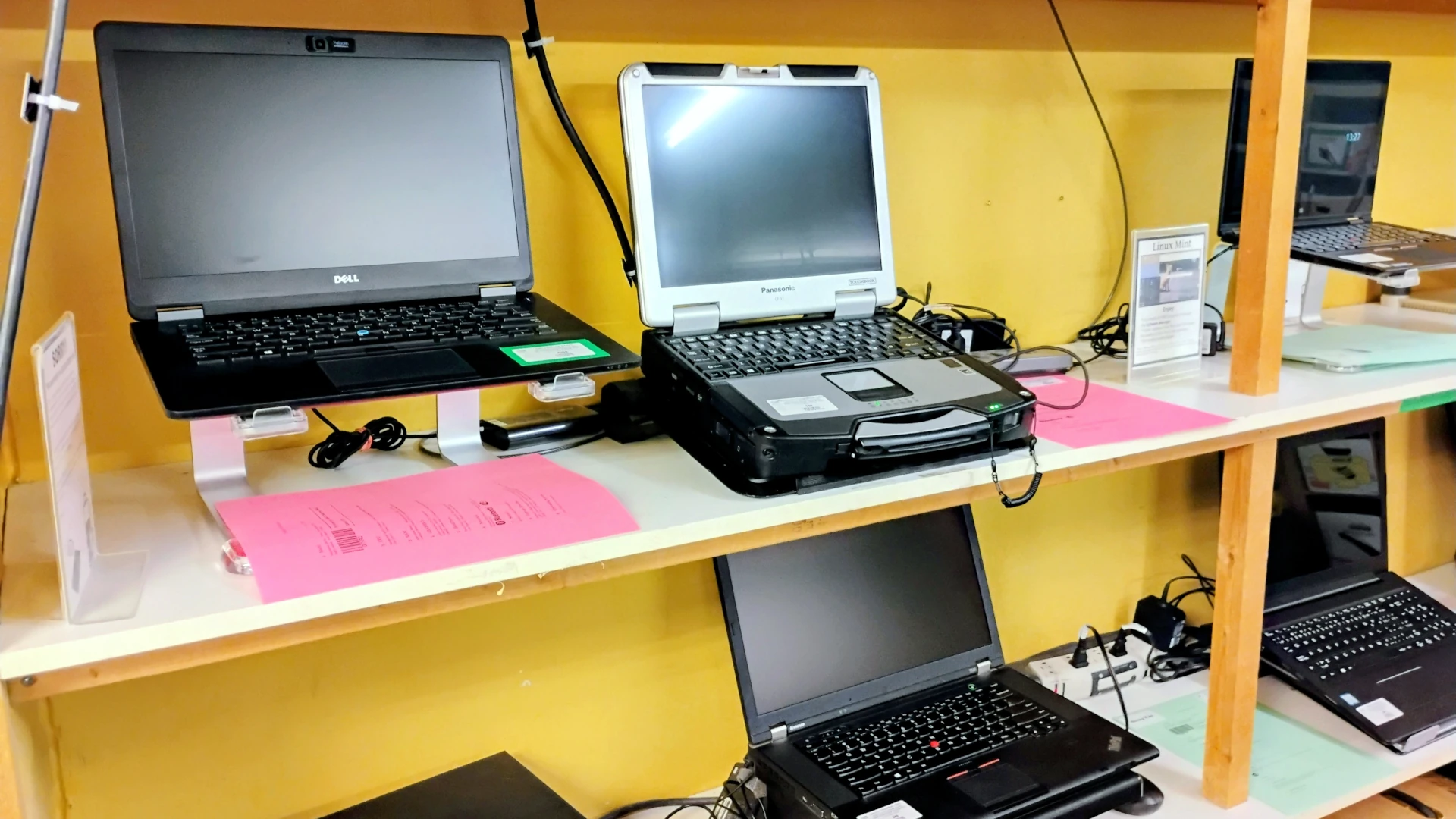 Fig 1. - What our display looks like with the Linux Mint Cinnamon screensaver defaults
Way back in 2001 I realized that one of the things that drew people to Linux computers, over some of the other machines we had at the time, was the screensavers. It’s a silly thing, but having something look cool is just nice.
Fig 1. - What our display looks like with the Linux Mint Cinnamon screensaver defaults
Way back in 2001 I realized that one of the things that drew people to Linux computers, over some of the other machines we had at the time, was the screensavers. It’s a silly thing, but having something look cool is just nice.
Introducing mint-device-screensaver
To make things a bit more exciting I decided to try to make my own screensaver to make our displays more interesting. Enter mint-device-screensaver!
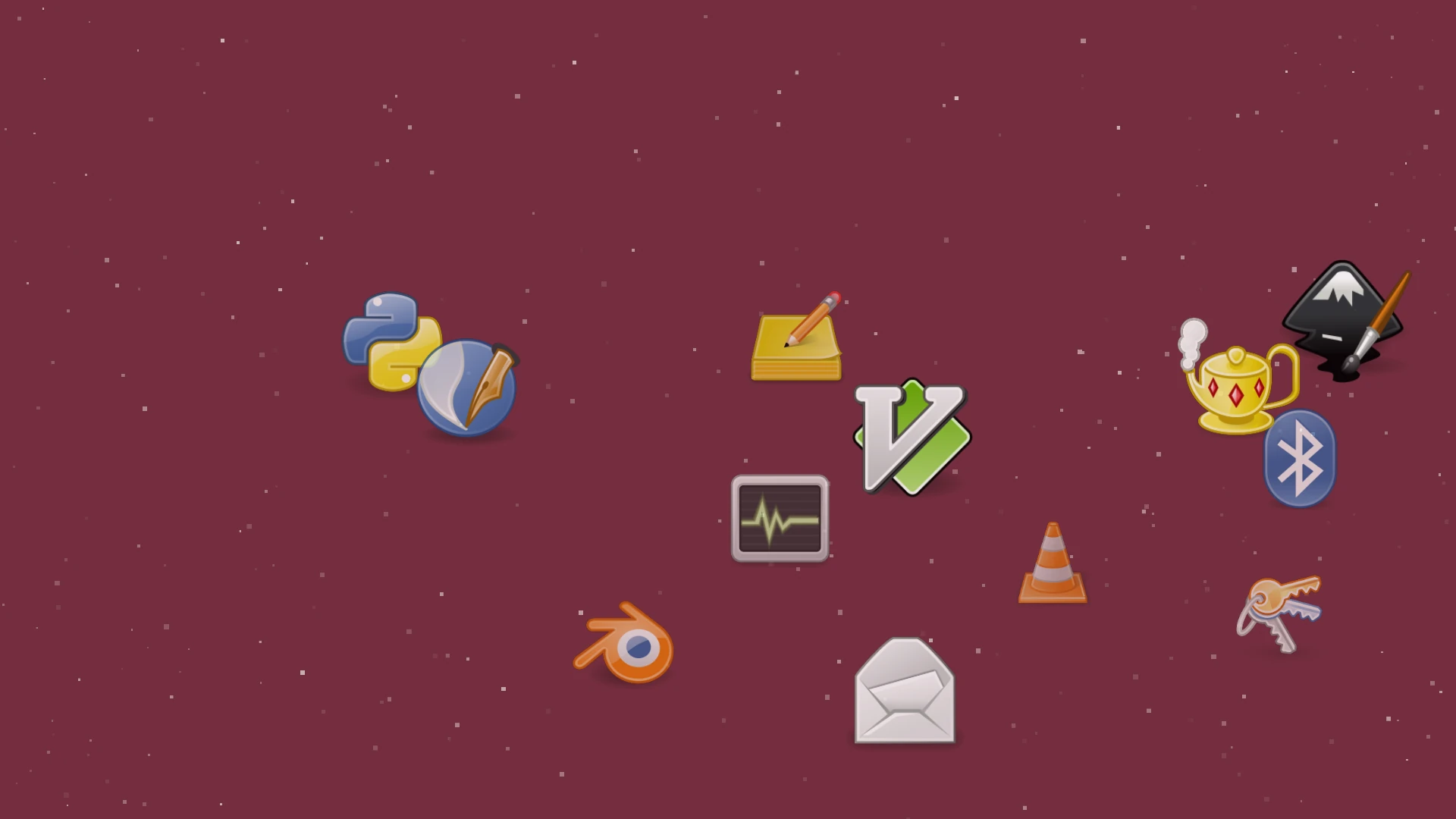 Fig 2. mint-device-screensaver with the gnome-colors icon set
It’s important to note I didn’t design this is a replacement for the Cinnamon/GNOME screensaver. mint-device-screensaver is not a true screensaver. The Linux Mint developers have recently talked about making changes to the screensaver setup, so I didn’t want to replace their work, but I wanted something dynamic, and different, without touching the existing system.
A fair amount of configuration
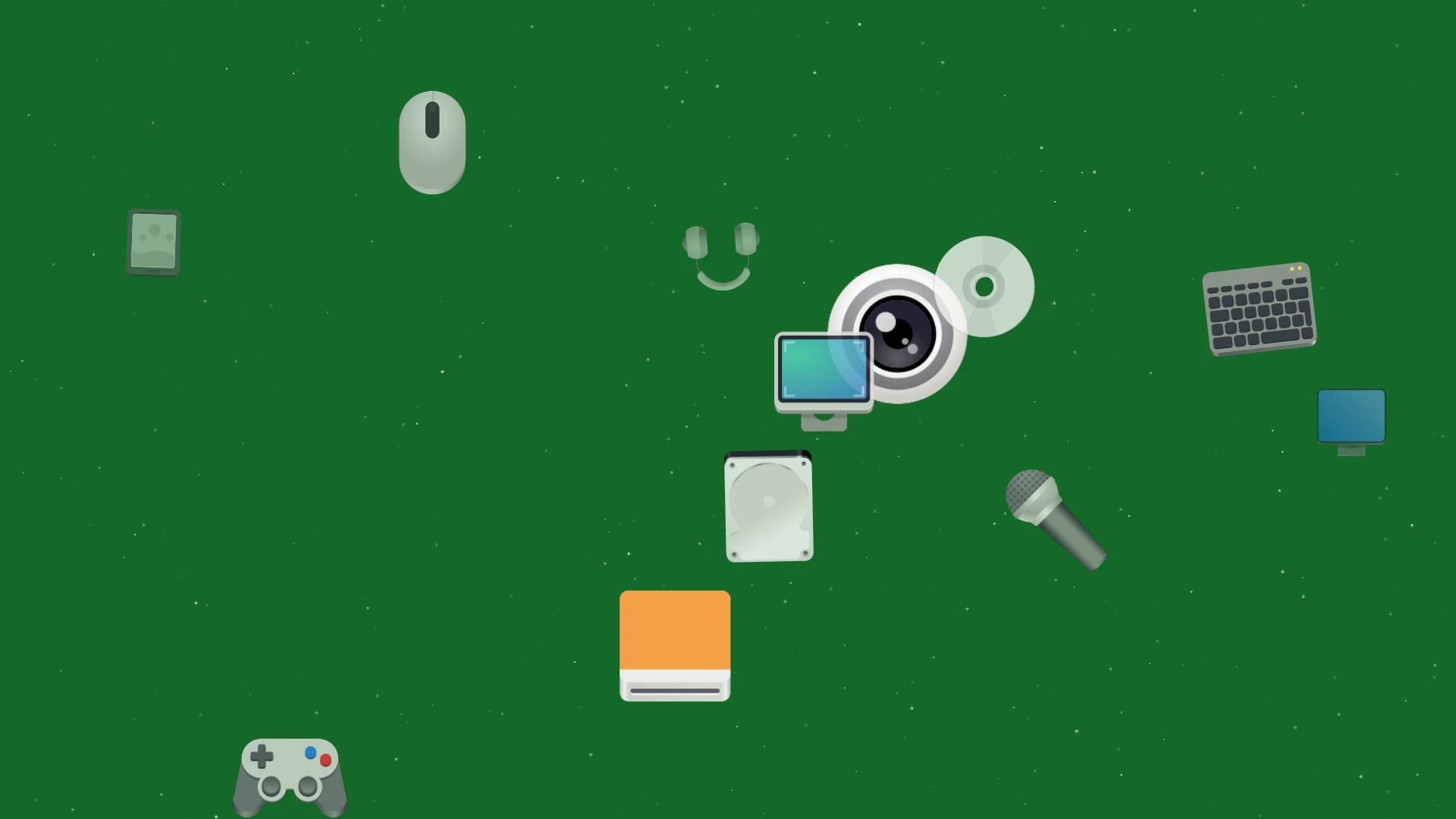
At first glance, mint-device-screensaver, looks rather simple, and it is. It uses 12 icons from the adwaita icons set, and 12 icons from the gnome-colors-common icon set, and does some basic movement around the screen, with a few different particle types available for background noise.
To make things a bit more interesting there is a configuration program mint-device-screensaver-settings that can be used to configure the following options:
- animation speed
- whether the screensaver exits when the mouse moves or not
- the starting background color
- the icon set used (currently adwaita and gnome-color)
- the particle count (50-500)
- the particle style
The settings program can also reset to default everything.
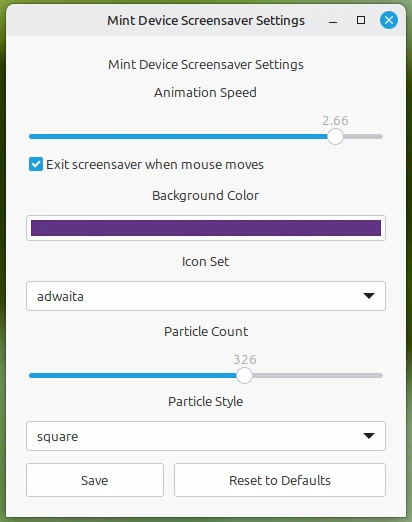 Fig. 3 - the mint-device-screensaver-settings program
Ever shifting
Originally, I intended the screensaver to be a fairly simple screensaver that used a few icons which were readily available in Linux Mint. I really didn’t intend to have a graphical configuration program, nor did I consider the ability to switch icon sets, just getting the program running was a huge task in its own right.
There is still a lot to be done, but it’s looking much better than it did before.
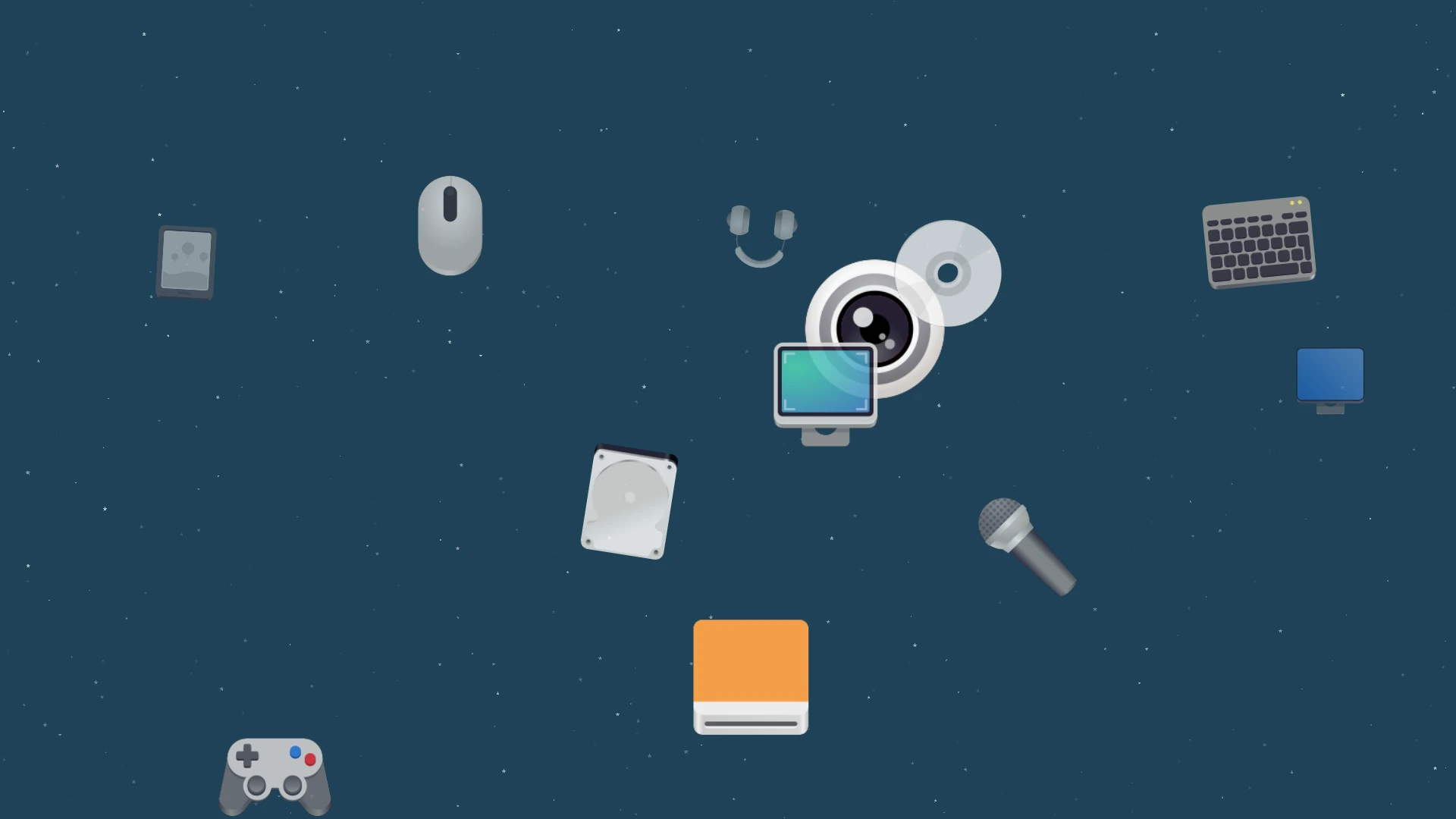 Fig. 4 - Shiftng background